How to ask for a Google review without being awkward (a three-line script)
Ask every client, the same day, with a direct link. The three-line text I use, what Google’s rules don’t allow, and how to answer a bad review.
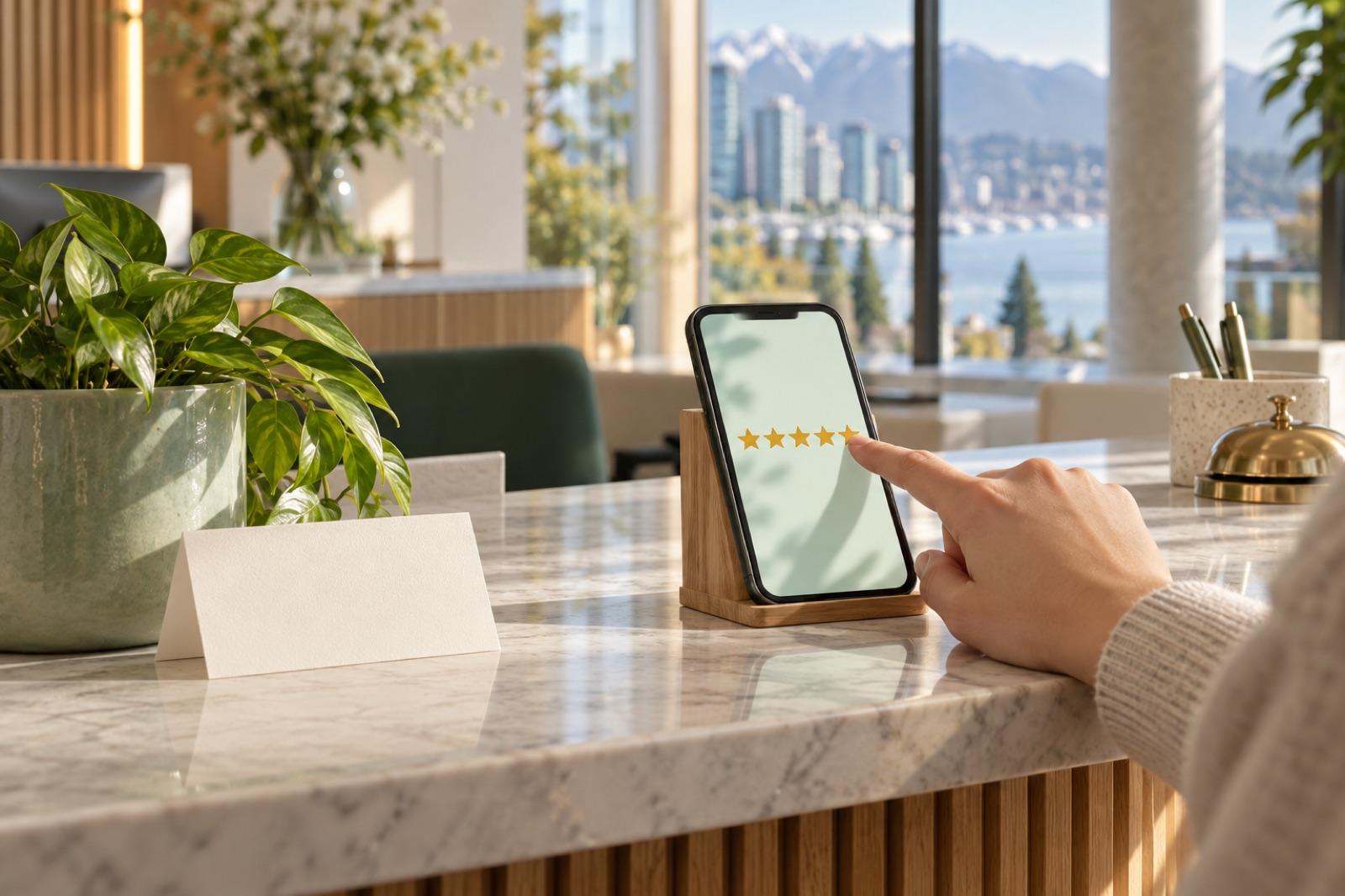
Asking for a review can feel like asking for a favour, so it’s easy to skip it and hope people leave one on their own. Some will. But a client who was never asked has no particular reason to think of it.
It doesn’t have to be awkward. A good review request is a short, plain text, sent at the right time, to everyone. Here’s how I set it up.
When to ask: the same day
Ask on the day of the visit, a few hours after they leave. The visit is fresh, the details are easy to remember, and a link in a text takes a minute to use.
Don’t ask at the counter while they’re paying. That’s the moment that actually feels awkward, for both of you. A text lets them choose when, or whether, to do it.
If they don’t respond, let it go. One gentle reminder a few days later is the most I’d send.
How to ask: one text, one link, everyone
The ask should be short and neutral, with a direct link that opens the review box, so nobody has to search for you on Google Maps. Your Google Business Profile has a built-in way to share a review link or a QR code. Use that link.
Send it to every client, not only the ones who smiled on the way out. That’s fair, and it’s also Google’s rule: its policies prohibit selectively asking happy customers for reviews.
Here’s the three-line script, written for Cedar & Co. Hair, a made-up salon for this example:
Hi [name], this is Cedar & Co. Hair. Thanks for coming in today.
If you have a minute, would you leave us an honest review on Google? [review link]
Info: [link]. Reply STOP to opt out.
Line one says who it is and thanks them. Line two asks once, plainly: “honest”, not “five-star”, and never “if you loved it”. Line three is what every business text needs: a link to your full contact details and a way to opt out. The rest of the rules for business texts are in my CASL checklist.
What not to do
- No rewards. No discounts, freebies or prize draws in exchange for a review. Google’s policies prohibit offering incentives for reviews, and a discount on the next visit counts.
- No gating. Don’t send a “How did we do?” survey first and pass only the happy answers on to Google. That’s called review gating, and Google’s policies prohibit discouraging negative reviews or asking only for positive ones.
- No writing or buying reviews. A review you wrote or paid for isn’t a genuine customer experience, and Google can remove it.
- No reviews from your team or family. Even with the best intentions, they have a conflict of interest, and those reviews can be taken down too.
- No telling people what to write. Don’t suggest a rating or the words to use. Ask, then let them say what they want.
How to reply to reviews, including the bad one
Reply to reviews, good and bad. Keep it short, specific and human. For a good one, thank them and mention something real: “Glad the colour came out the way you wanted. See you in six weeks.”
For a bad one, the urge is to explain. Don’t argue: your reply is public, and anyone who reads the review reads it too. Thank them, own what you can, and take the rest offline. Never share private details about the client, like when they came in or what they had done. Google’s own guidance says the same.
Something like: “Thanks for telling us, and I’m sorry the wait ran long. That’s not the visit we want anyone to have. Please call me at the salon. I’d like to make it right.”
How my system handles the ask
In the system I build, the review request goes out automatically after every visit, to every client, with your direct Google link. There’s no star filter and no “happy clients only” list. Like every text it sends, it names your business and carries the STOP line.
At launch I also claim and clean up your Google Business Profile, so the link leads to a profile with your correct name, hours and details. Replying stays with you: it should sound like the owner, and you know what happened at the appointment better than any template.
Want this set up for your business? Start with a free demo site: a 15-minute call, then a working site with your name on it within 48 hours of that call. Or start with a free video audit of your current Google profile.