Why did I get a text after a missed call? And how a business sets one up
A business texted you seconds after you called. Here’s what that text is, how to tell it from a scam, and how owners set one up.
 Alex Rowan · Marketing & content, MAXAUTOMATE · Vancouver, BC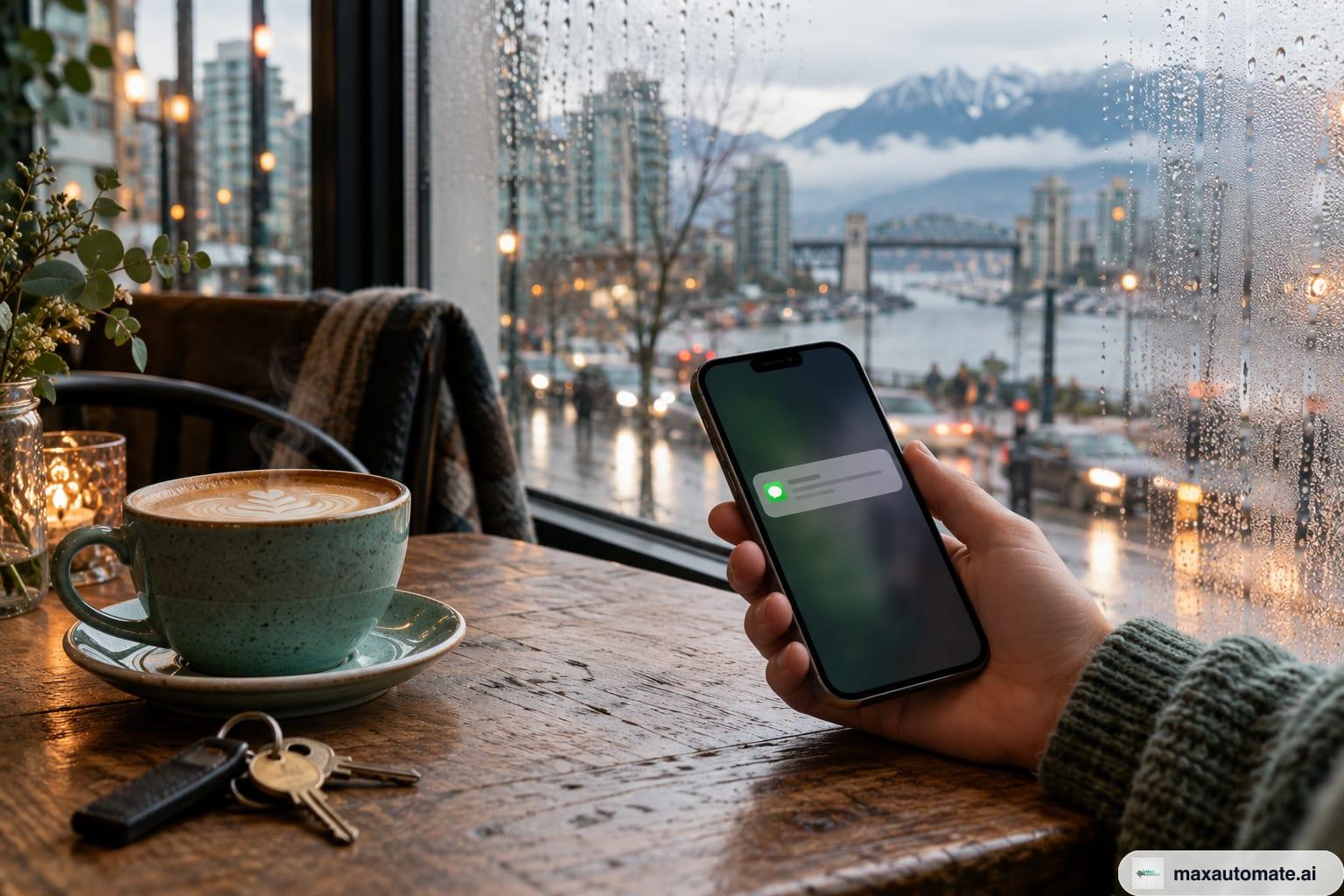
Short answerYou got a text after a missed call because the business you rang uses a missed-call text-back: when nobody answers, its system texts you from the same number within seconds, usually with a booking link and a STOP line. It’s automatic, not someone ignoring you. A real one comes from the number you just dialled, names that business and asks for nothing sensitive.
You called a shop, it rang out, and a few seconds later your phone buzzed with a text from the same number. Here’s what happened, how to tell a real one from a scam, and, if you run a business yourself, how to set one up.
Why do I get a text message after a missed call?
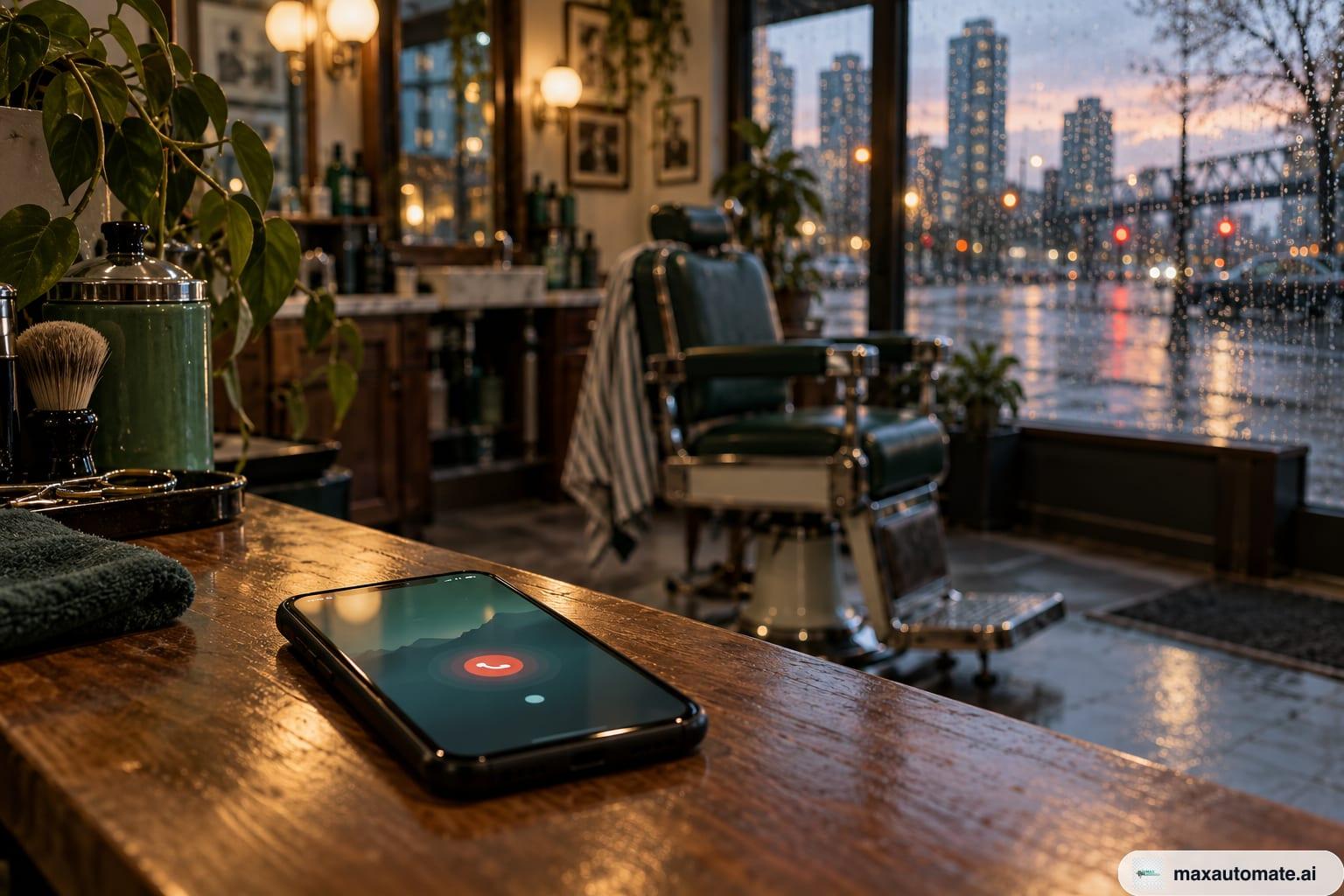
Because the business uses a missed-call text-back: when a call to its number goes unanswered, its system automatically texts the caller from that same number.
Nobody saw your call and decided to text instead of picking up. The phone rang, nobody could get to it, and the system did what it was set up to do: tell you who they are and give you a way to book or ask a question. A typical one, from Velvet Nail Studio, a made-up nail studio for this example:
The text is automatic; the conversation after it isn’t. In the system we build, your reply goes straight to the owner, who answers when their hands are free.
One different case: if the text comes from your own carrier and lists numbers that tried to reach you while your phone was off or out of coverage, that’s a carrier service, not a business. Rogers, for example, calls its version WhoCalled.
Is it a scam? How to tell a real business text
A real missed-call text arrives right after your call, from the number you dialled, names the business you were calling and asks for nothing but what you need. Check four things:
- It came right after you called, not out of the blue.
- It’s from the same number you dialled. Compare it with your recent calls.
- It names the business you called.
- It asks what you need or offers a booking link. No payment, no card number, no password, no “confirm your details”.
Text scams look different. The Canadian Anti-Fraud Centre lists the usual phishing tactics: urgency, offers of refunds or money, and harmless-looking requests to click a link or fill out a form. Its first prevention tip is not to click links in unsolicited messages.
One of the examples on its page is a text saying a vehicle “has an outstanding parking-Infraction that must be settled”, followed by a link. Notice what’s missing: you never called anyone. It arrived out of the blue, and all it wants is a click.
A STOP line on its own proves nothing, either. The Competition Bureau’s advice for suspicious texts is to ignore them even if they ask you to reply STOP or NO.
The simple rule: never pay, and never tap a link, in a text from a number you didn’t call. If you’re unsure whether a text really came from a business, contact it through the details on its own website, as both the Competition Bureau and ISED suggest. Forward spam texts to 7726 (SPAM) so your mobile provider can look into them, and report fraud to the Canadian Anti-Fraud Centre.
How should you respond to a missed-call text?
Reply the way you’d talk to the front desk: one line with what you need and when suits you, or tap the booking link if you already know.
That one line saves a round of “how can we help?”. If you’d rather talk, call back; the text doesn’t replace the phone. And if you don’t want more texts from a business you actually called, reply STOP. The system we build applies it immediately.
Can an iPhone or Android text back missed calls automatically?
Not the way a business needs. Phones let you decline a call with a text, and an iPhone can auto-reply to messages while you drive, but Apple’s and Google’s help pages don’t describe any of these texting a caller you simply missed.
Here’s what the help pages do describe:
- iPhone, decline with a text. While the phone rings, tap the call banner, then Message, and choose a default reply or Custom. You write your own defaults in Settings > Apps > Phone > Respond with Text. You have to see the call to use it.
- iPhone, Driving Focus auto-reply. With a Driving Focus on, Auto-Reply answers people who message you, and you pick who gets it: No One, Recents, Favorites or All Contacts. It’s for messages while driving, not missed calls.
- Android, decline with a text. In Google’s Phone app, you reject an incoming call and send the caller a text by tapping Message. Again, a tap while it rings.
- Pixel, Take a Message. On supported Pixel phones, Take a Message answers calls you miss or decline with a greeting and saves a transcript; in Canada, live transcription works in English and French. Google describes a spoken greeting, not a text to the caller.
Even used cleverly, these run on your personal phone and number, wait for you to tap or switch a mode on, keep no list of who called about what, and have no STOP handling. If you look at apps that promise automatic text-back on a personal phone, ask three questions: which number does it send from, where do replies go, and what happens when someone replies STOP?
How does a business set up missed-call text-back?
On a dedicated business number that can send texts, registered with carriers and connected to a booking page and a client list.
| Question | Your phone’s features | Our business text-back |
|---|---|---|
| Which number sends it | Your personal mobile | Your business number |
| When it sends | When you tap Message while it rings, or to messages while Driving Focus is on | Every time a call to the business number goes unanswered, day or night |
| What it says | A short default or custom reply | Your business name, a question, a booking link and “Reply STOP to opt out” |
| Where replies go | Your personal messages | Straight to you |
| Record of the caller | Your call log | Your client list, in one place |
| STOP | Nothing automatic | Applies immediately |
Why a separate business number? Because it belongs to the business, not to whoever holds the phone. Your personal number stays private, every text-back comes from one number clients recognize, and when someone texts back a week later, the thread is still attached to the business.
Setting it up with us takes four steps:
- A business numberWe set up a business number that can send texts as part of launch.
- Carrier registrationCarriers register business numbers that send texts; approval usually takes 1–2 weeks. We file on day one, and until it clears, missed calls are followed up by call and email.
- The wordingWritten with you: your business name first, a question, a booking link and the STOP line.
- Booking page and client listThe link opens your booking page, and every client and every message lives in one list.
It’s part of the $299 CAD a month plan, with no setup fee and no separate price for the text-back. The mechanics and costs are covered in missed-call text-back in Canada, and ready-made wording is in our missed-call text templates for trades.
Want to see it with your own business name? We’ll build you a free demo site within 48 hours of a 15-minute call and show you the text-back on that call. Not ready to talk? Ask for a free video audit of your site or Google profile. Everything the text-back connects to is on our AI automation page.
Questions people ask
Why do I get a text message after a missed call?
Most likely the business you called uses a missed-call text-back: when nobody answers, its system texts you from the same number within seconds. If the text comes from your own carrier and lists numbers that tried to reach you while your phone was off, that’s a carrier notification instead.
Can I set up an automatic missed-call text on my iPhone?
Not for every missed call. Apple’s guide describes replying with a text when you decline a call, and auto-replies to messages while a Driving Focus is on. Texting every caller you miss, from a business number, takes a business text-back system.
Is there missed-call text-back on Android?
Google’s Phone app lets you reject a call and send a text by tapping Message, and supported Pixel phones can answer missed calls with a greeting through Take a Message. Google’s help pages don’t describe either one texting a caller you simply missed.
How do I respond to a missed call by text?
Reply with one line: what you need and when suits you, or tap the booking link if there is one. If you don’t want more texts, reply STOP.
How do I know a text after a missed call isn’t a scam?
A real one arrives right after your call, from the number you dialled, names that business and asks for nothing sensitive. Never pay or tap a link in a text from a number you didn’t call; if unsure, contact the business through its own website.
Sources
- Apple — iPhone User Guide: Answer or decline incoming calls on iPhone · checked 2026-10-18
- Apple Support — Use the Driving Focus on your iPhone · checked 2026-10-18
- Google — Phone app Help: Make & receive phone calls · checked 2026-10-18
- Google — Phone app Help: Use Take a Message for calls you miss or decline · checked 2026-10-18
- Canadian Anti-Fraud Centre — Phishing · checked 2026-10-18
- Competition Bureau Canada — Ding! Scammers are hiding in your text messages · checked 2026-10-18
- ISED — Hung up on mobile spam? · checked 2026-10-18
- Canada’s Anti-Spam Legislation, S.C. 2010, c. 23, sections 6 and 11 (Justice Laws) · checked 2026-10-18
- Rogers — WhoCalled: texts when you miss calls · checked 2026-10-18